

CopyCenterPro was designed for efficiency, ease of use and for ultra fast print job submission and processing. Whether you have individual printers in multiple locations or a centralized copy center processing hundreds of jobs per day, CopyCenterPro saves valuable time and money for your users and staff.
Copy Center Pro
Copy and Print Management Software
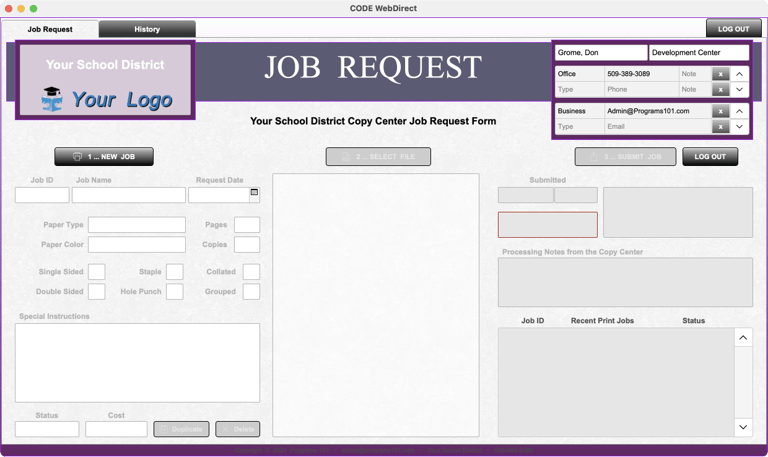
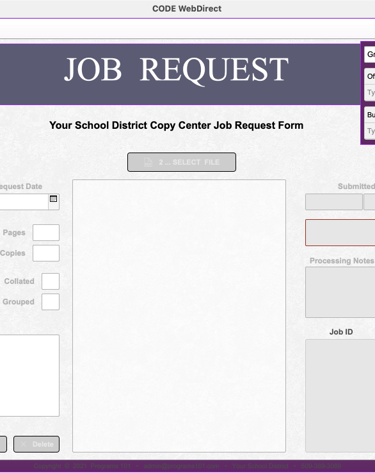
A simple job request form guides users through a foolproof sequence with one click check boxes, preset drop down lists and drag and drop file attachments.
Users - Print Job Request
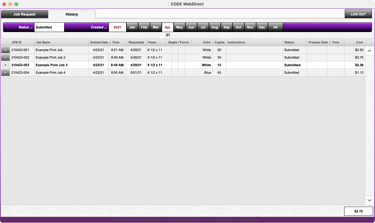
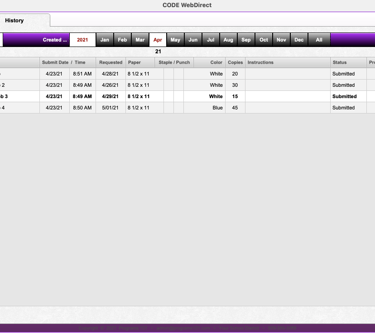
Print Job History and Tracking
Users can track their print job submissions, access history and resubmit jobs with just a few clicks. Print Job history provides quick access to monthly and yearly totals.
Self Managed User Accounts
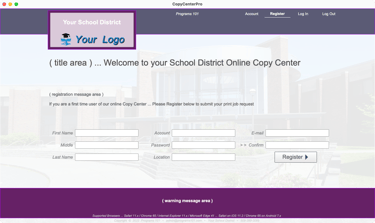
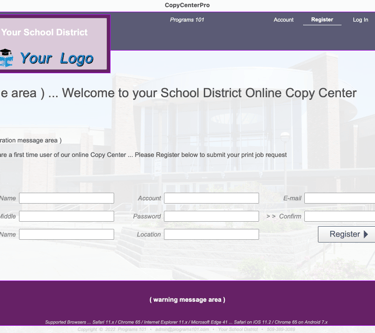
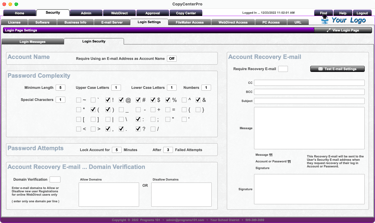
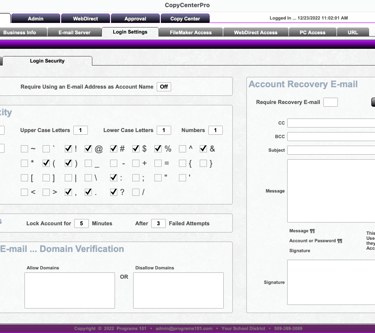
Users can register online, manage their own accounts and retrieve forgotten login credentials without help from copy center staff, administration or tech support .
Online Users - Job Request Form

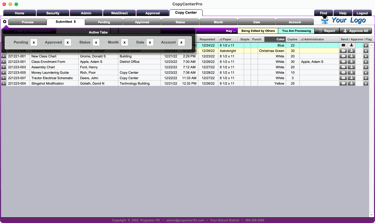
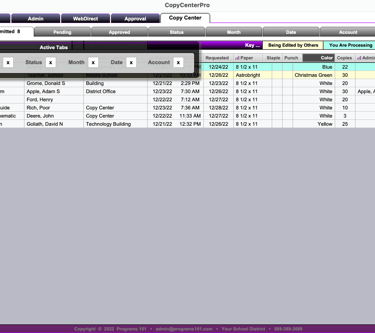
Print jobs appear in multiple lists arranged and sorted by status or date and highlighted to show which jobs are being edited or processed by other users or staff.
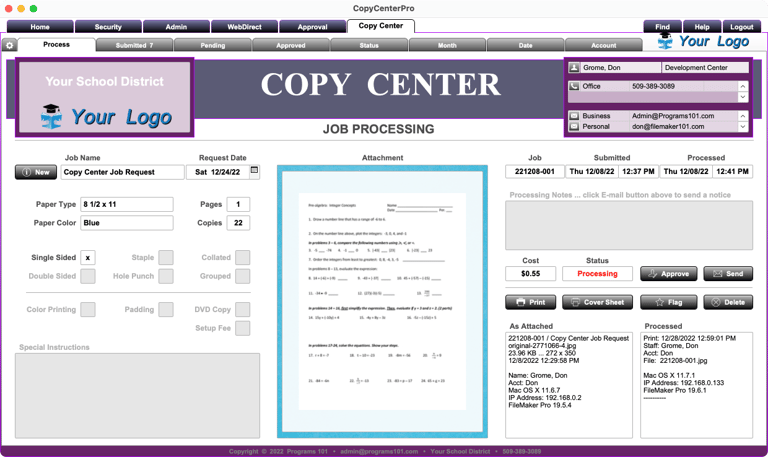
Staff - Print Job Processing
Automated Functionality
Print functions are automated so it only takes a few clicks to processes a job, print a cover page, archive the attached file and e-mail the user that the print job is finished.
Integrated E-mail Notices
CopyCenterPro includes outgoing e-mail services to send job completion e-mails, processing notes, general notices, job approvals and forgotten user login credentials.
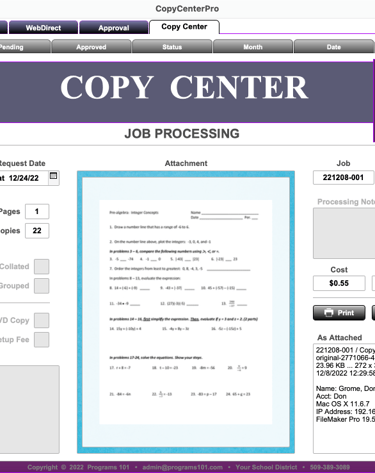
Copy Center Staff - Job Processing
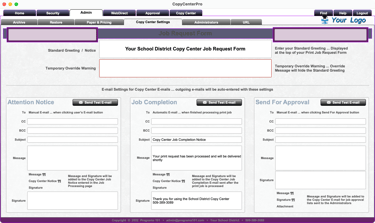
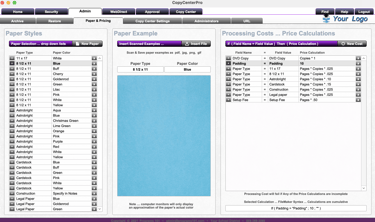
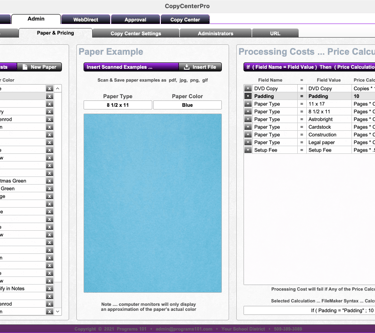
A complete Admin section manages general notices, pricing calculations, print paper styles, stock color samples, job archiving, reports, document storage and more.
Administration
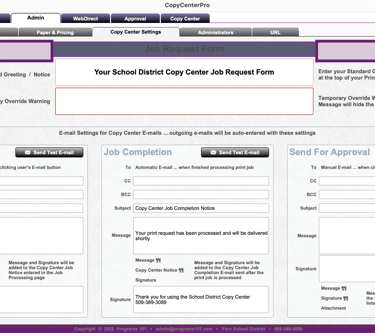
Greetings, Notices and E-mails
A default greeting with temporary override provides updated notices to online users. E-mail and message settings can be set separately for each staff member.
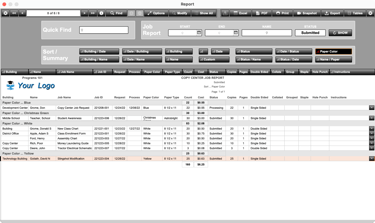
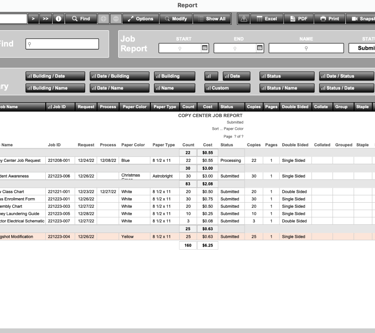
Dynamic Search and Reports
Dynamic reporting makes it easy to search for specific jobs or found sets and generate reports with various output options and export formats such as PDF and Excel.
Paper Styles and Printing Costs
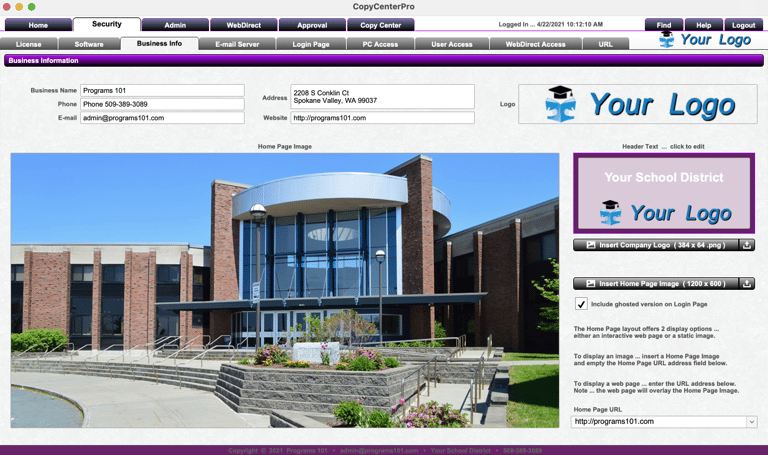
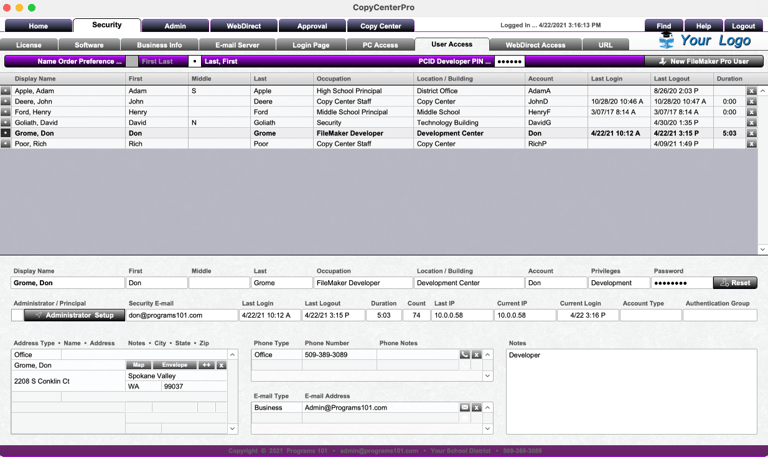
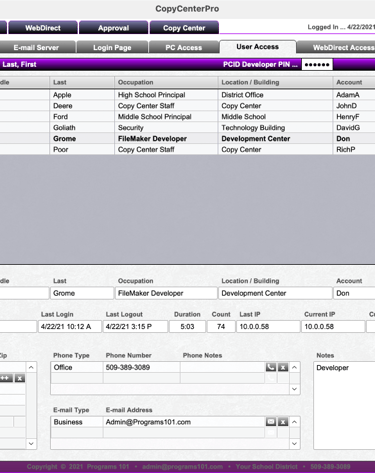
Multi-level security helps manage copy center staff, online user accounts, passwords and security privileges plus optional active directory single sign on options.
Security
System Wide Settings
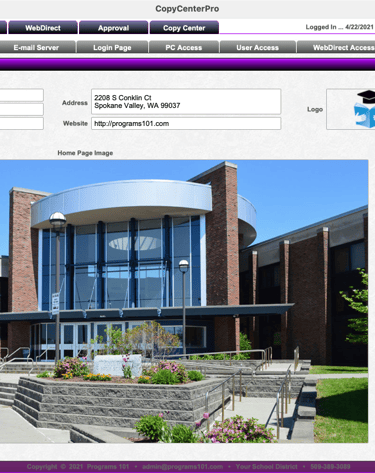
Settings include business info, logo, home page image, website url, general notices, functional warnings and a comprehensive user management system.
Password Recovery
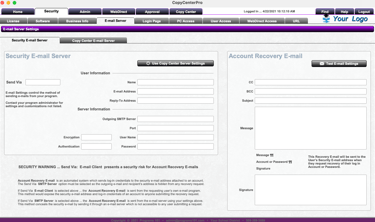
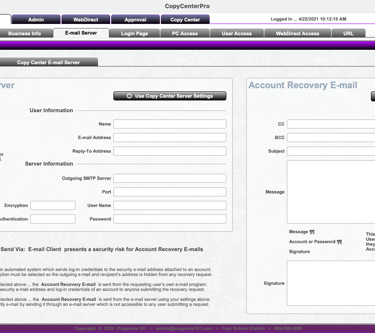
Secure e-mail server settings include login account and password recovery as well as providing staff automated and manual outgoing e-mail services to users.
Advanced Security
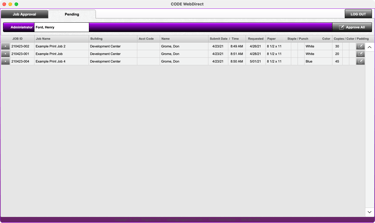
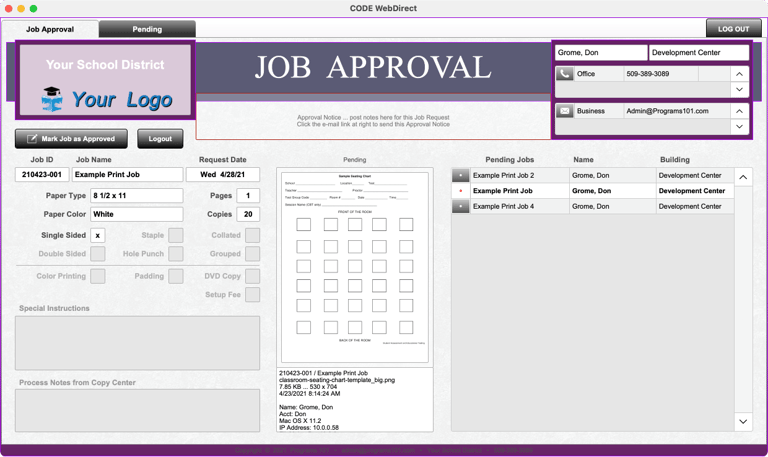
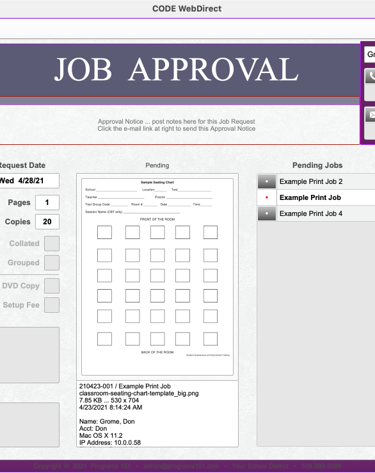
Print job requests can be held for approval by a principal or administrator. Job submission lists can be e-mailed to the administrator in charge of each group of users.
Job Approval Options
Pending Approval Lists
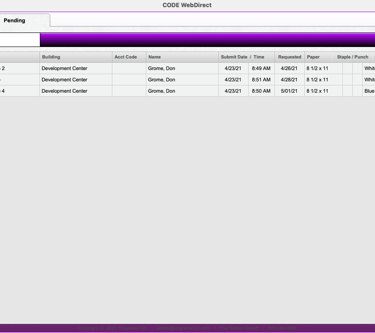
Administrators can receive an e-mail of jobs pending approval in PDF or Excel format. Administrators can log in and approve job requests individually or in bulk.
Administrators - Principals
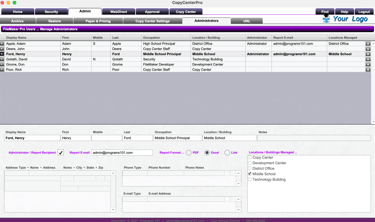
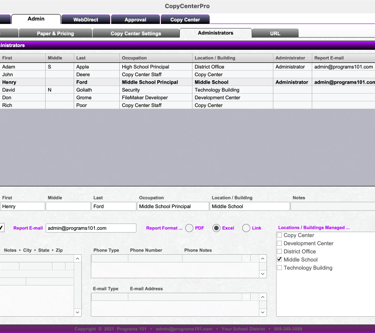
Each administrator can manage a selected set of users. Admin settings for job approvals include default e-mail settings, job list format and location assignment.
Job Approval by Administrators
CopyCenterPro
Print Management Software
CONTACT
RESOURCES
509-389-3089
admin@copycenterpro.com
Copyright © 2026 Programs 101